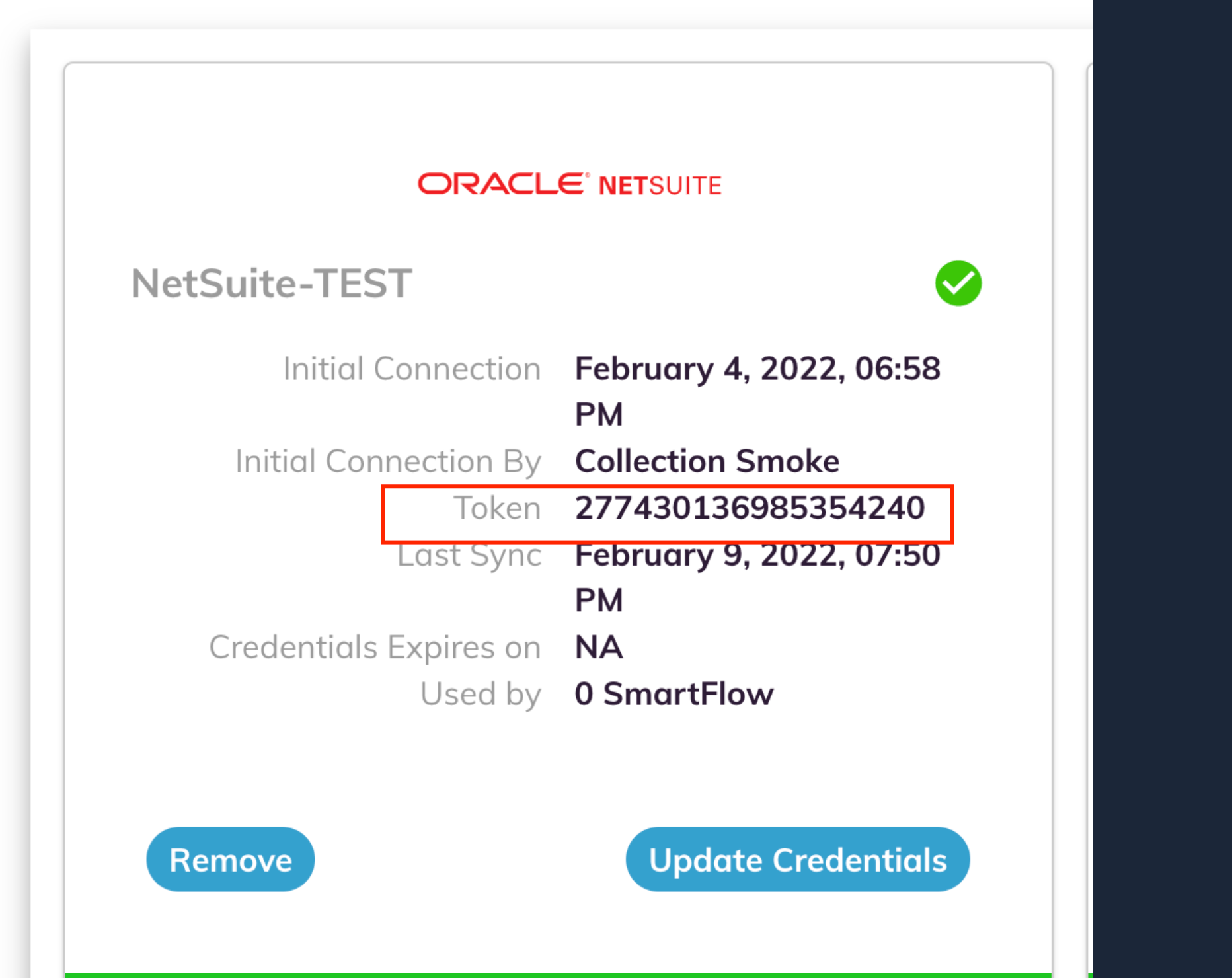
When establishing your system connections you may be required to save your Auditoria source token value and enter this value during the connection process. To get your Auditoria source token value, complete the following steps.
- Go to Auditoria > Administration > System Settings.
- In the System Settings page, find your ERP Connection card.
- In the Token field, copy your unique source token number.
- Enter this value in the required connection field for you Auditoria connection.
In the example below from Set Up Oracle NetSuite for the Attachment of Invoices, the value for <sourcetoken>@invoice-inbound.auditoria.ai be is 2774301369853542040@invoice-inbound.auditoria.ai.