
For Auditoria to attach PDF invoices to emails, you need to set up Oracle NetSuite to enable attachments by completing the following steps:
- Create an Email Template
- Create a Workflow
Note: These steps enable Oracle NetSuite to send only new and modified invoice PDFs to Auditoria.
Create an Email Template
- In Oracle NetSuite, go to Setup > Company > System Email Templates.
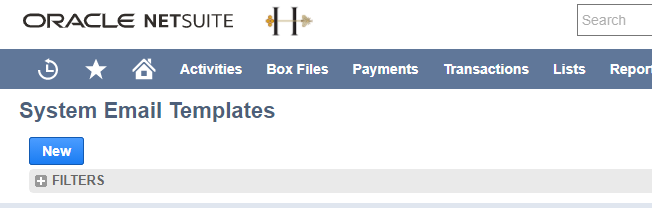
- Click New.
-
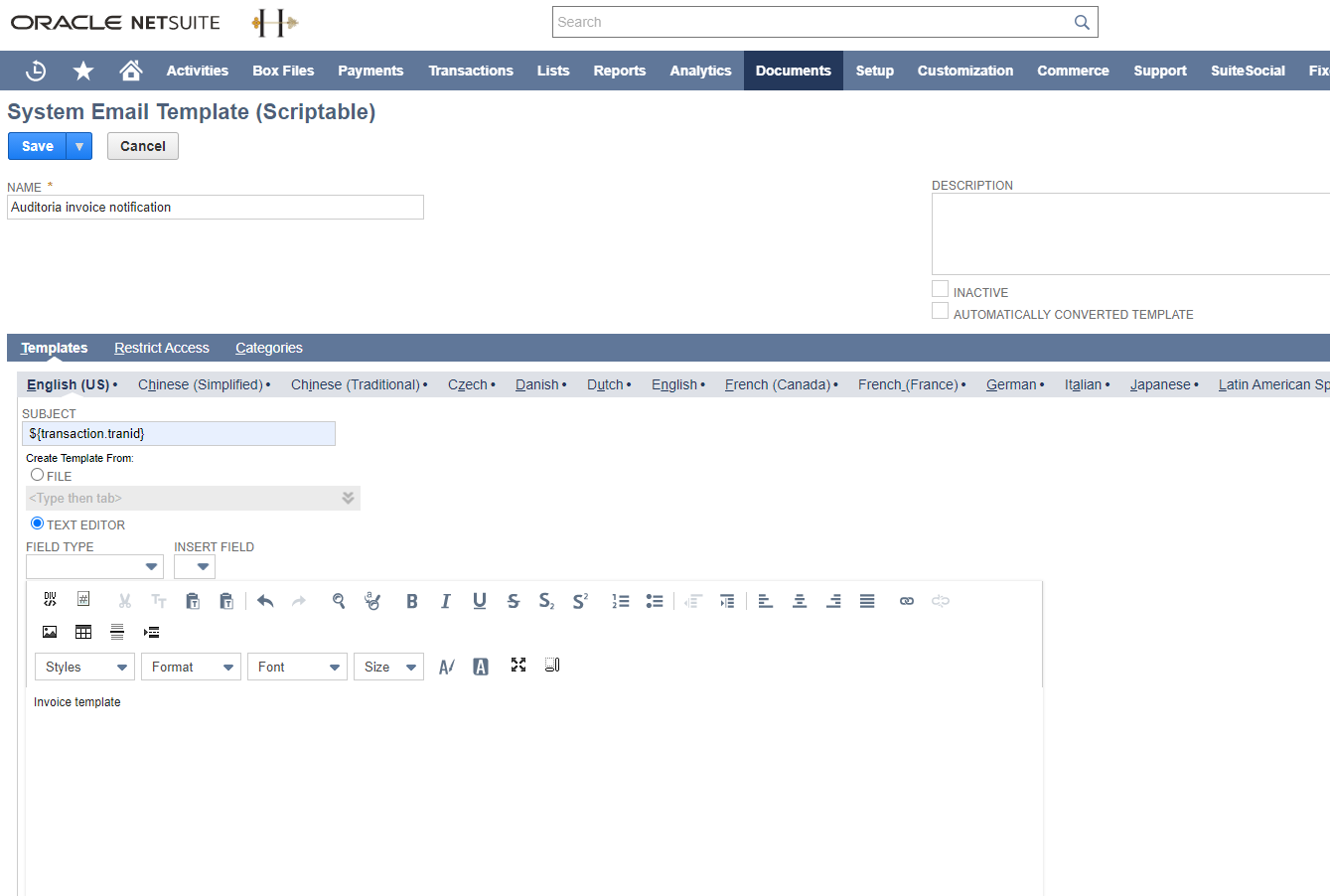
Enter the template Name, Subject, and Body.
-
-
- Name: Auditoria Invoice Notification
- Subject: ${transaction.tranld}
- Body: Auditoria Invoice Notification
-
-
- In the Categories section, select a Template Category from the pulldown menu.
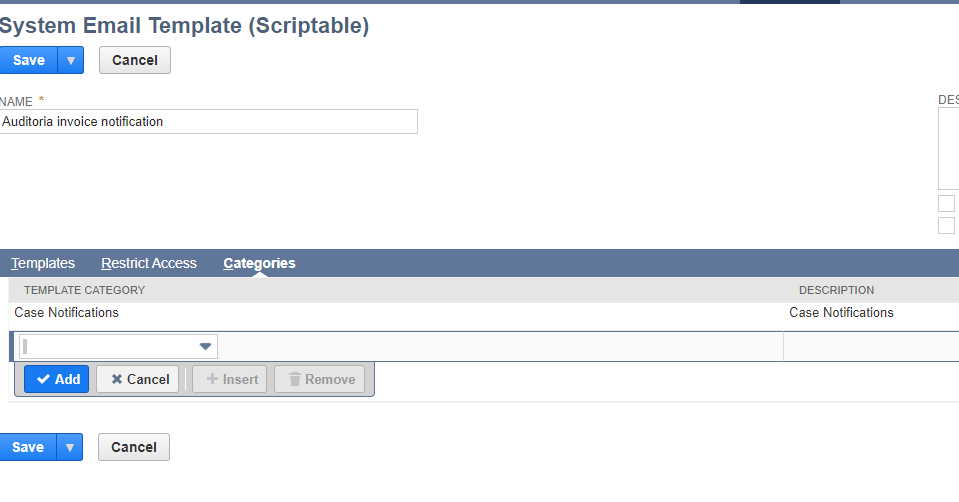
- Click Save.
Create a Workflow
- In Oracle NetSuite, go to Customization > Workflows > New.

- In the Basic Information section, enter the following:
-
-
- Name: Auditoria send invoices
- ID: auditoria_send_invoices
- Record Type: Transaction
- Subtypes: Invoice
- Select the Execute as Admin checkbox
- Release Status: Select Released from pulldown menu
-
-
- In the Initiation section, select the Event Based checkbox.
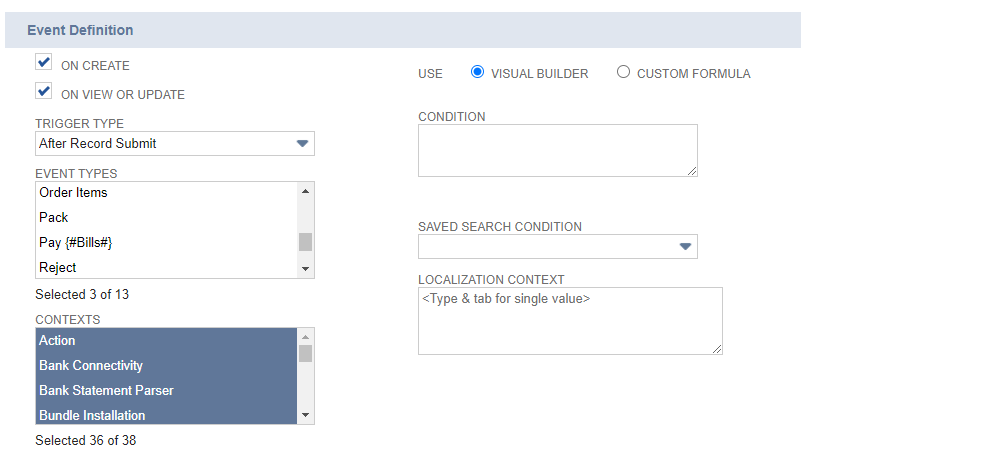
- In the Event Definition section, enter the following:
-
-
- Select the On Create checkbox
- Select the On View or Update checkbox
- Trigger Type: Select After Record Submit from the pulldown menu
- Event Types: Choose Create/Edit/Mark Complete
- Contexts: Select All
-
-
- Click Save.
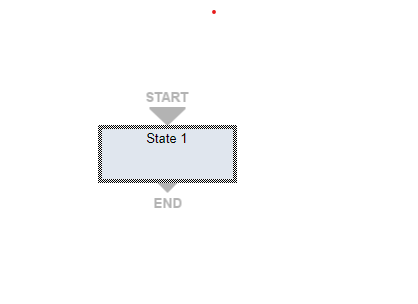
- Select State 1.
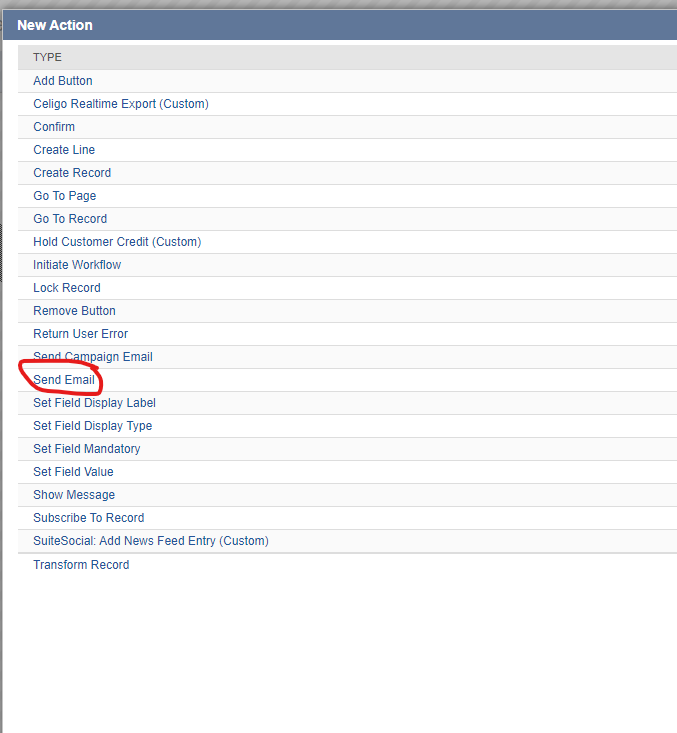
- Select New Action.

- In the Type Section, select Send Email.
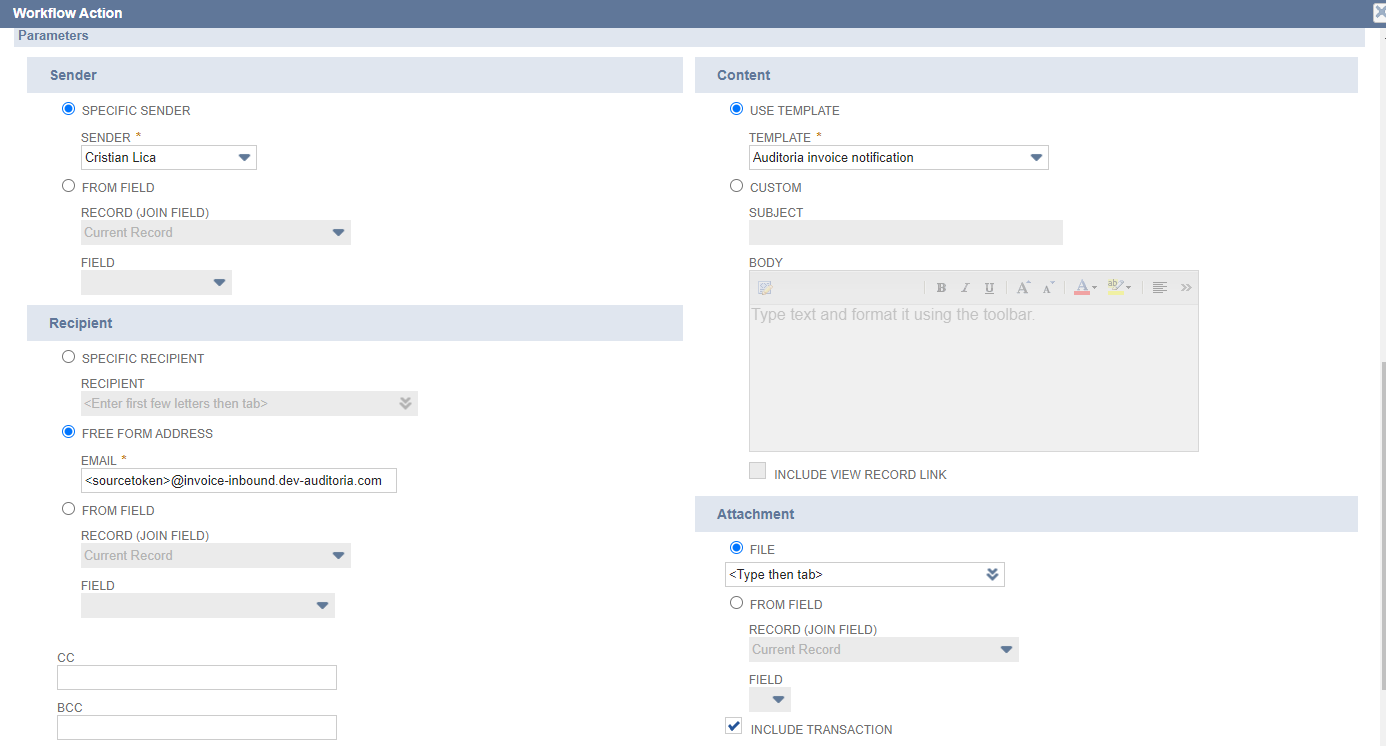
- In the Workflow Action window, enter the following email setup details:
-
- Specific Sender: current user
- Select Free Form Address and enter the Email address with source token value: <sourcetoken>@invoice-inbound.auditoria.ai
- See Get your Auditoria Source Token for more information about the step above.
- Select Use Template and enter the Template: Auditoria Invoice Notification
- Select the Include Transaction checkbox
- Select File and choose the type from the pulldown menu: PDF
-