


1. New and Updated Features
SmartGL: Roles and permissions added [7412+7413+7414]
New roles and permissions have been added to the SmartGL flow to expand on existing functionality and provide more options. The roles of GL Manager, GL Approver, and GL Agent have been created and should be utilized during initial setup. For an overview of Auditoria roles and permissions, see Auditoria Roles and Permissions.
SmartGL: Roles and permissions added for teams [6137]
New roles and permissions added to the SmartGL flow include the ability to assign differing roles and permissions to separate teams, such as the GL team, the AR team, the AP team, and Admins. This prevents team members from accessing the wrong module.
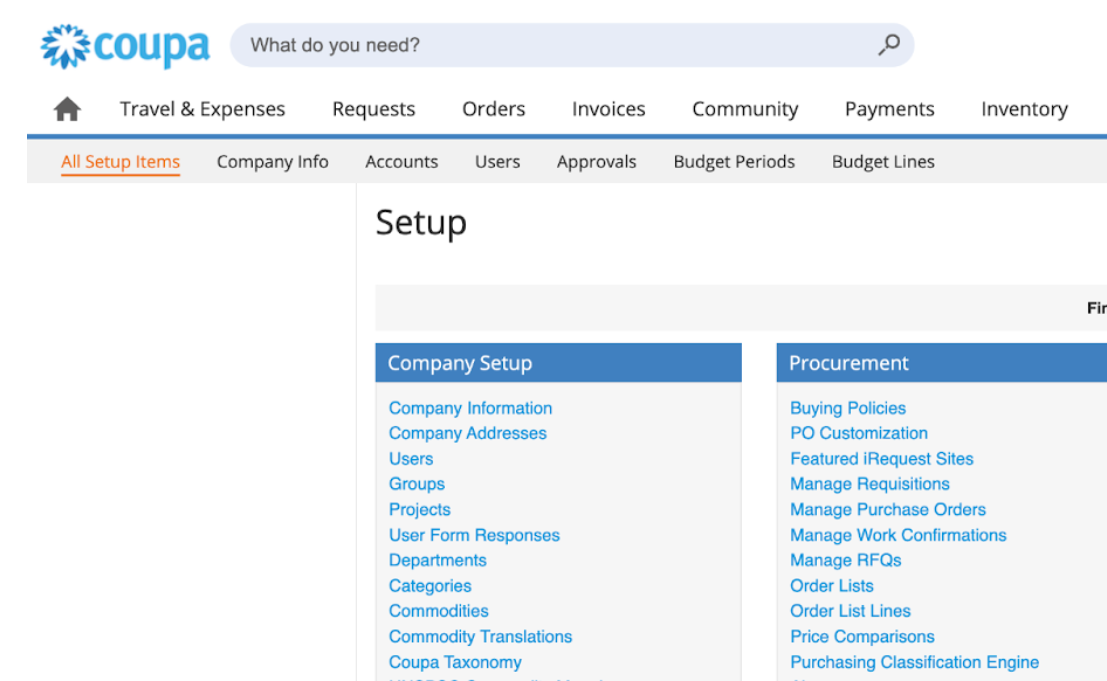
Integrations: Coupa connector added to Auditoria [6661]
Coupa spend management tool is now available to help AP automation in such areas as vendor master, procurement, and vendor invoice. To connect Auditoria to Coupa, see Coupa Connection Settings.
SmartCollections: Dunning emails to new roles [6890]
In the SmartCollections flow, dunning emails can be set to be copied to the Collections Agent, Sales Manager, Sales Agent, and Customer Success Representative. These settings can be made when creating your dunning email template.
Email grouping options added [7190]
Reach out emails can be grouped for different vendor scenarios, such as the standard one email per vendor, or by different cost centers for vendors who are in more than one cost center.
SmartCollections: Invoice PDF extraction enhanced [6526]
In the SmartCollections flow, invoice PDF extraction now accesses invoice PDFs from a URL provided in the customer invoice record.
Vendor Invoice Data Extraction: Confidence levels added to Data Management page [6101]
During the Vendor Invoice Data Extraction SmartFlow, a confidence level score of High, Medium, or Low is displayed in the Bot Confidence Level column in the Data Management page. The Confidence score helps prioritize which invoices should be double checked for accuracy during the extraction process.
ERP Integrations: Invoice PDF maximum increased [6071]
When invoice PDFs are obtained from Oracle NetSuite, Sage Intacct, or Workday the maximum number of imported invoices is as follows for each ERP:
- Oracle NetSuite - 50, 000 customer accounts and 150, 000 open invoices
- Sage Intacct - 20,000 customer accounts and 60,000 open invoices
- Workday - 100,000 customer accounts and 300, 000 open invoices

2. Fixed Bugs
Resolved: Extra lines appear during vendor invoice data extraction [7984]
Resolved: SmartCollections notices sent to incorrect contacts [8015]
Resolved: Cannot create/edit SmartFlow in production environment [8012]
Resolved: SmartPay links attached to dunning emails though not added in template [7999]
Resolved: Table missing in Invoice Accrual reach out email [8007]

3. New Known Bugs
Vendor Invoice Data Extraction: Customer invoices not extracted [8143]
Symptom: During the Vendor Invoice Data Extraction SmartFlow, some customer invoices were not extracted and labeled in SmartBot emails as Needs Attention.
Impact: Invoice Data Extraction not completed.
Workaround: None.
SmartGL: Supplier sent two reach out emails [8136]
Symptom: During the SmartGL flow, a supplier received two reach out emails because their reply was not processed.
Impact: Supplier receives redundant reach out email.
Workaround: None.
SmartVendor: SmartFlow fails to send email to unknown vendor contact [8018]
Symptom: During the SmartVendor flow, an unknown vendor contact should be sent an email by SmartBots but the required email is not sent.
Impact: Vendor contact does not receive SmartBot email.
Workaround: None.