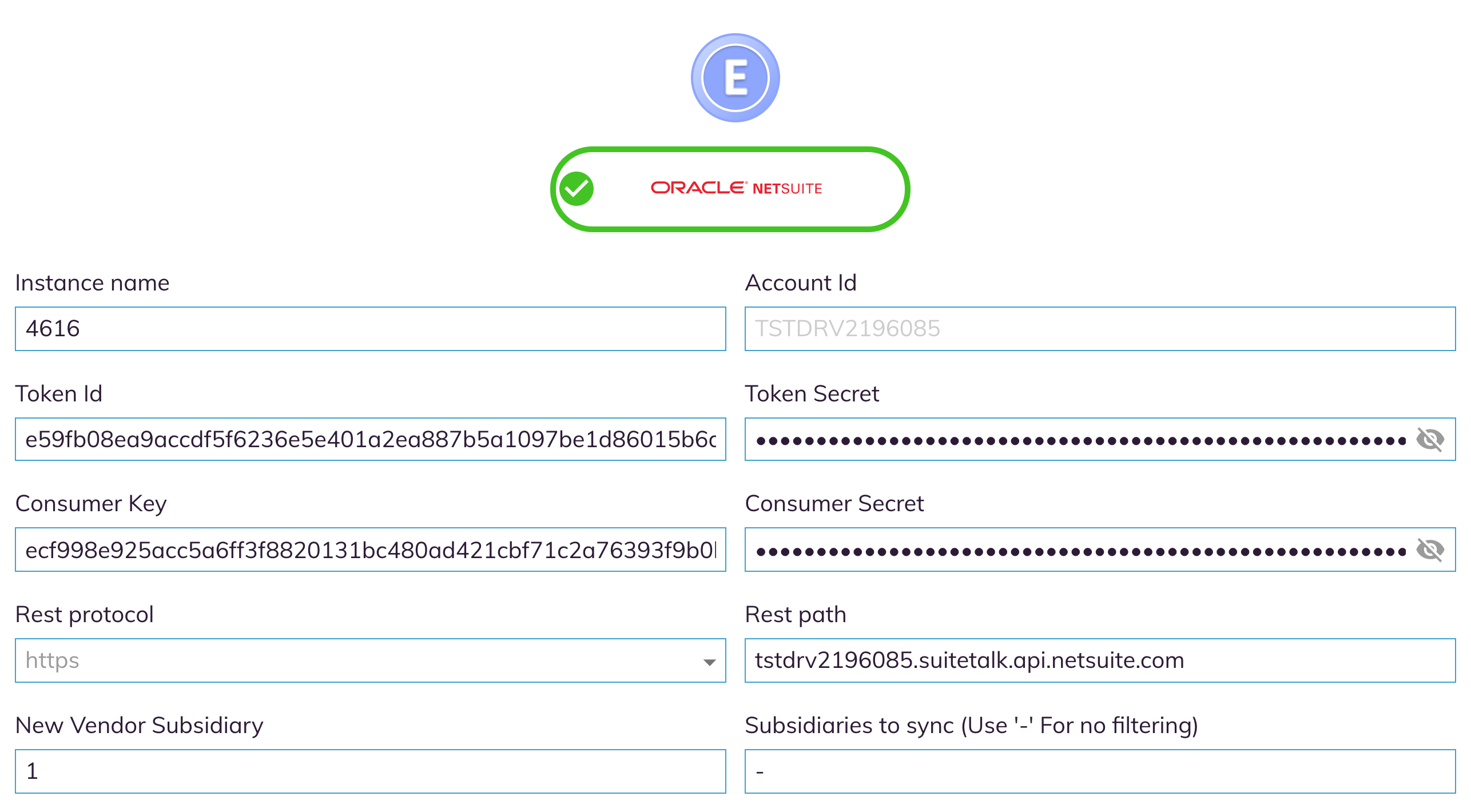
To connect Auditoria to your Oracle NetSuite ERP, enter the following settings in the Oracle NetSuite Settings section. Ask your Customer Success Representative and ERP system administrator if you have any questions about these settings. When you have your settings and are ready to connect Auditoria to your ERP, see Connect Your ERP.
- Instance Name
- Account ID
- Token ID
- Token Secret
- Consumer Key
- Consumer Secret
- Rest Protocol
- Rest Path
- New Vendor Subsidiary
- Subsidiaries to Sync - For no filtering, enter "-" and ensure there are no spaces between the hyphen and quotation marks.