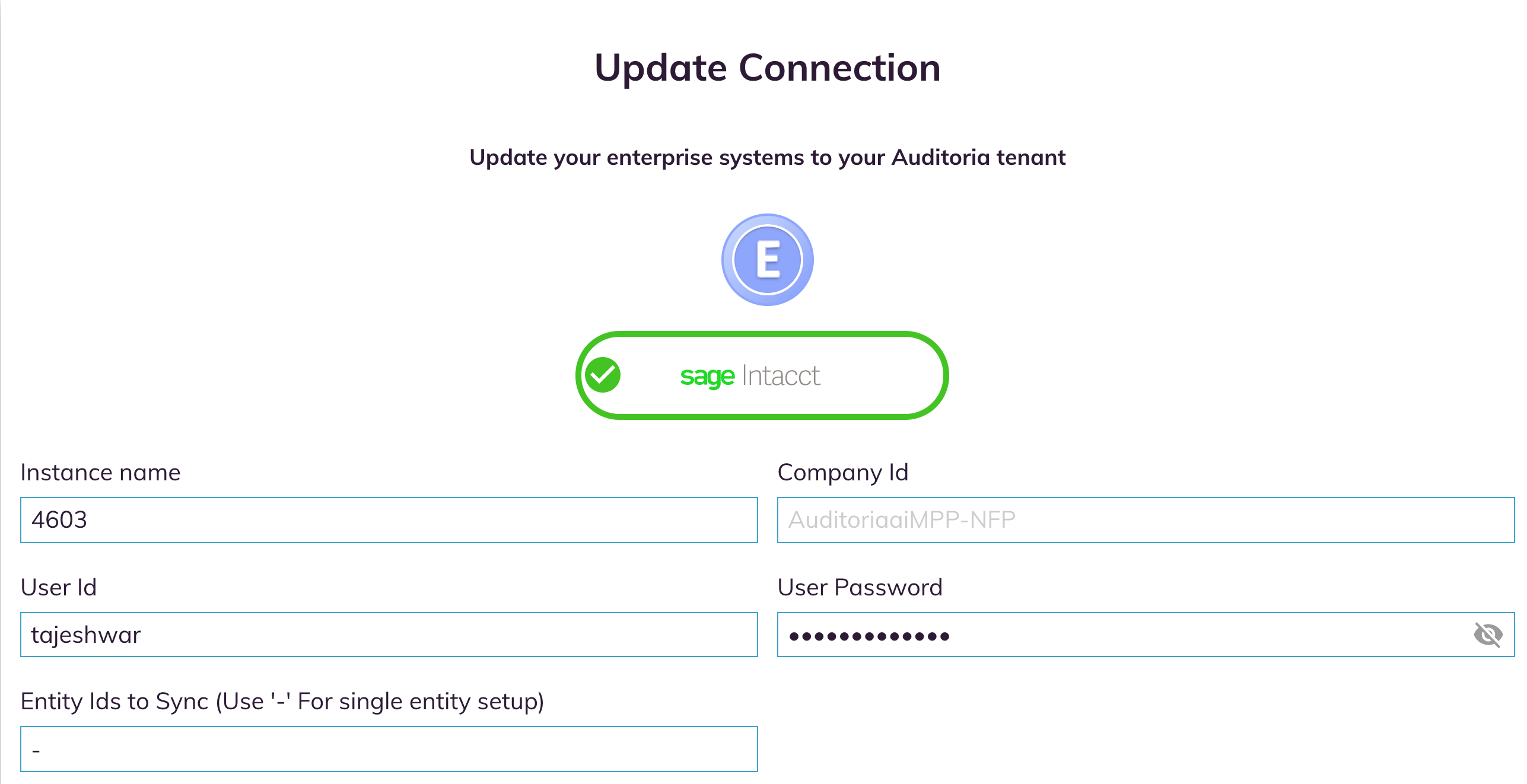
To connect Auditoria to your Sage Intacct ERP, enter the following settings in the Sage Intacct Settings section. Ask your Customer Service Representative or ERP system administrator if you have any questions about these settings. When you have your settings and are ready to connect Auditoria to your ERP, see Connect Your ERP.
- Instance Name
- Company ID
- User ID
- User Password
- Entity IDs to Sync - for Single Entity setup, enter a hyphen in this field.