Upload Folder ID for Automated Vendor Onboarding in Sage Intacct
On this page
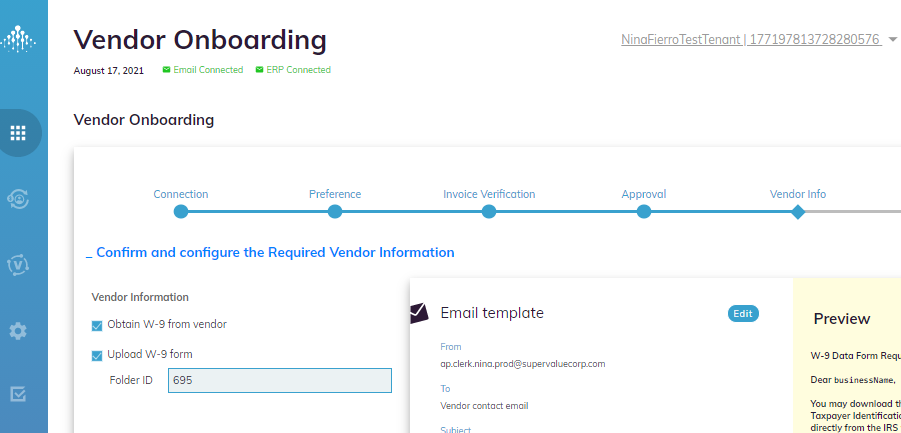
In the Vendor Onboarding SmartFlow, to find your preferred Folder ID for the W-9 uploads when using Sage Intacct ERP, complete the following steps.
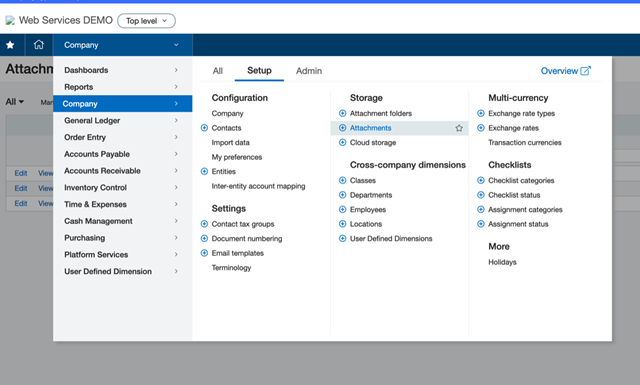
- In Sage Intacct, go to Company > Setup > Attachments.
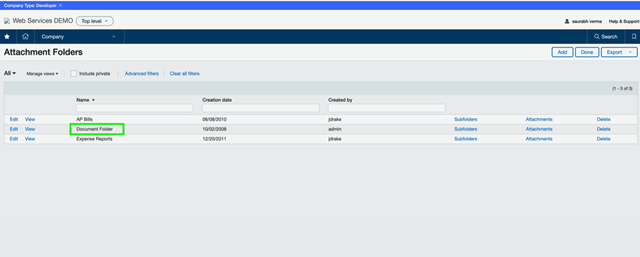
- In the Attachment Folders page, find and select your preferred Folder ID name. In the example below, the Name of the folder is Document Folder.
Rate this content
Rated now
Thanks — we received your feedback.
We couldn't submit that. Please try again.
